
|
|
|
So far, we've downloaded the files from the 68 Classifieds site, unzipped the files, uploaded the files to the server, changed the permissions on 5 folders and 1 file and created our database. We're now ready to start the installation process.
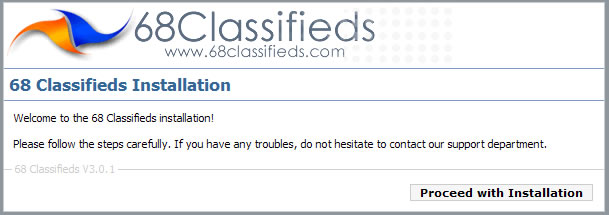
Open a browser window and visit www.yoursite.com/install/index.php (replacing 'yoursite' with your domain name). The first page should look like this:
NOTE: If the page is instead displaying text that says "The file /home/youraccount/public_html/install/index.php has been encoded with the ionCube PHP Encoder and requires the free ioncube_loader_something_here.so ionCube PHP Loader to be installed.", then you will first need to visit the section in this manual entitled "Ioncube Loader Installation".