|
|
|
The 'Maintenance' link forwards you to a page that lets you "flush" your compiled templates and create backups of your database.
Clear compiled templates - 68 Classifieds was built with a "templating system" named "Smarty" (more information available at http://smarty.php.net) When a page on your site is called by a browser, a copy of the page is saved (or "compiled") in the templates_c directory. This is done so that pages can load faster the next time they're requested. If you have made custom changes to a template file (a file ending with "tpl.php") and uploaded your changes, it's possible that the changes will not show up immediately because the compiled page is being sent to your browser. You can "flush" the compiled templates on the 'Maintenance' page by pressing the 'Delete' button.
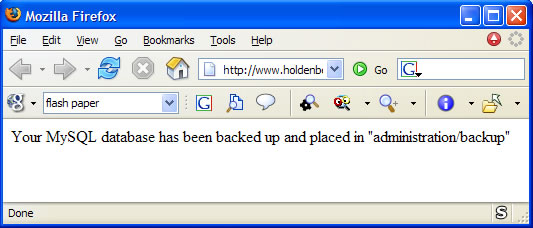
Backup - It's necessary that you have created a new folder on your server named 'backup' (without the quotes) inside your administration folder and set its permissions (CHMOD'ed) to 777. Once the backup directory is created and its permissions set correctly, press the 'Submit' button to create a backup of your database. A new window will open that confirms the backup file has been created.